How to Automate Customer Onboarding for Small Business
Stop losing new customers to clunky onboarding. Learn how small businesses can automate welcome emails, document collection, and first-week touchpoints without expensive software.
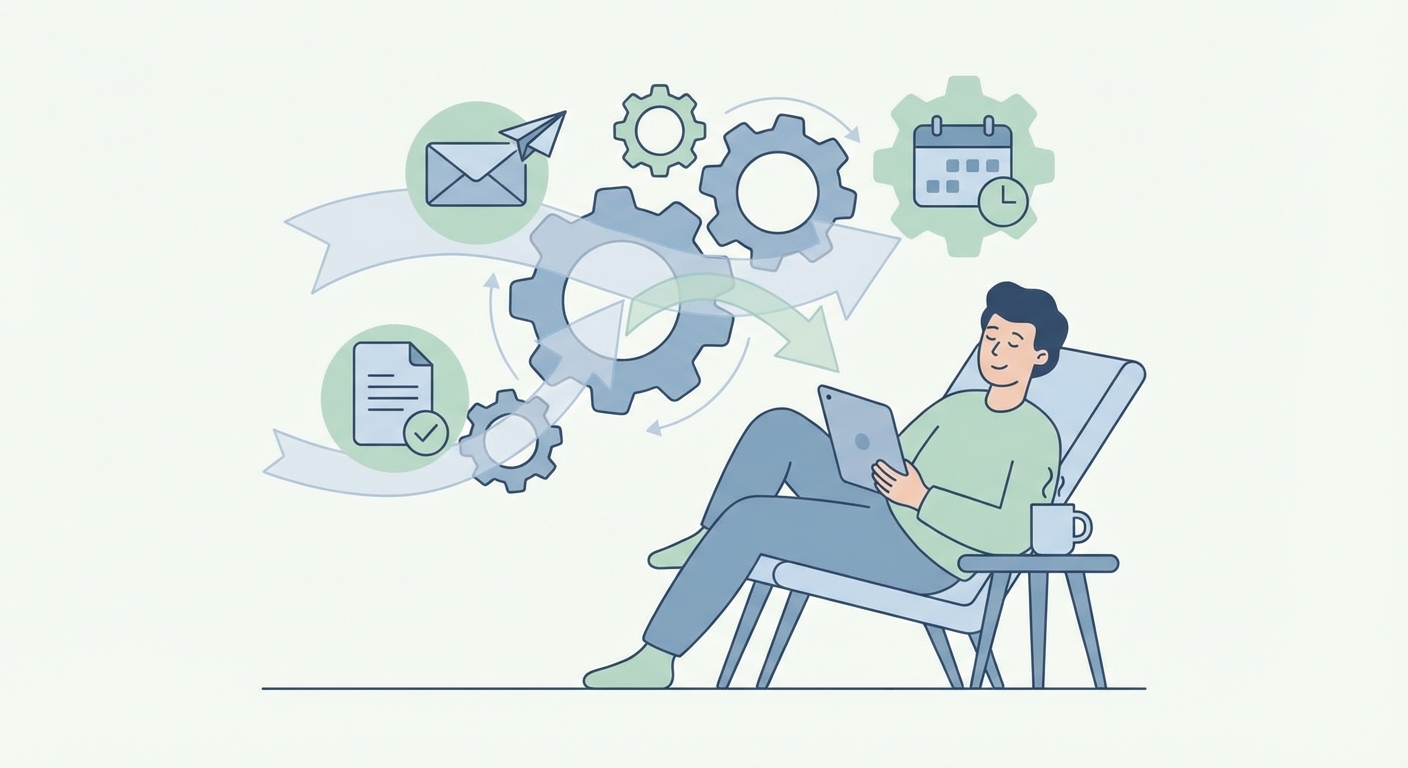
You just landed a new customer. Great. Now comes the part nobody talks about: getting them actually set up.
For most small businesses, onboarding is a mess. You're juggling welcome emails, contracts, intake forms, login credentials, and trying to remember what you told the last person. Half the time, something falls through the cracks.
Here's the thing: that first week with a new customer sets the tone for the entire relationship. A smooth onboarding experience builds trust. A chaotic one plants doubt.
The good news? You can automate most of this without hiring anyone or buying expensive software.
Why Onboarding Matters More Than You Think
Most business owners focus on getting the sale. Makes sense — that's where the money comes in. But here's what I've seen over and over: the businesses that retain customers long-term are the ones that nail the first seven days.
Think about it from the customer's perspective. They just made a decision to work with you. They're excited, maybe a little nervous. What happens next either confirms they made the right choice or makes them wonder if they should have gone with someone else.
A Harvard Business Review study found that improving customer onboarding can increase customer lifetime value by 16%. That's not a small number.
The Manual Onboarding Problem
Here's what onboarding looks like at most small businesses:
- Someone signs up
- You manually send a welcome email (when you remember)
- You create their account in your system
- You send over contracts and forms
- You follow up to make sure they signed everything
- You schedule a kickoff call
- You send calendar invites
- You share resources and documentation
Each step requires you to remember it, do it, and do it consistently for every single customer. That's a lot of mental overhead. And when you're busy with existing clients, new customer onboarding is usually the first thing that slips.
What Automated Onboarding Actually Looks Like
Let me walk you through a simple automated onboarding flow that any small business can set up:
Step 1: Instant Welcome Email
The moment someone becomes a customer — whether they paid, signed a contract, or filled out a form — they get an immediate welcome email. Not tomorrow. Not when you get to it. Immediately.
This email should do three things: thank them, tell them exactly what happens next, and give them one clear action to take.
Step 2: Automated Document Collection
Instead of manually emailing forms and following up, use a simple form tool that sends requests automatically and reminds people who haven't completed them. Tools like Jotform, Typeform, or even Google Forms can handle this.
The key is setting up automatic reminders. If they haven't submitted their intake form after 24 hours, they get a gentle nudge. After 48 hours, another one. You never have to chase anyone down.
Step 3: Account Setup Triggers
When they complete their forms, that can automatically trigger account creation in your systems. Most modern tools integrate with each other through Zapier or Make. Form submitted → account created → credentials emailed → you never touched a thing.
Step 4: Scheduled Check-in Sequence
Set up a simple email sequence that goes out over the first week:
- Day 1: Welcome + first action
- Day 3: Helpful resource or tip
- Day 5: Check-in ("How's everything going?")
- Day 7: Invitation for feedback or next steps
This keeps you present in their inbox without you having to remember anything.
Tools That Make This Easy
You don't need fancy enterprise software to automate onboarding. Here's what actually works for small businesses:
For email sequences: Mailchimp, ConvertKit, or even Gmail with scheduled sends for simple setups.
For form collection: Jotform, Typeform, Google Forms. Pick whichever feels easiest.
For connecting everything: Zapier or Make. These let you connect your tools so actions in one trigger actions in another.
For scheduling: Calendly or Cal.com integrated with your calendar. Let customers book their kickoff call without the back-and-forth.
The total cost? Most of these have free tiers or cost under $50/month combined.
Start Small, Then Expand
Don't try to automate everything at once. Here's where I'd start:
-
Automate your welcome email first. This is the highest-impact, lowest-effort win. Set it up so it goes out the moment someone becomes a customer.
-
Add automatic form reminders. Stop chasing people for documents. Let the software do it.
-
Create a simple check-in sequence. Even three emails over the first week makes a huge difference.
Once those are running smoothly, you can get fancier — personalized sequences based on customer type, automated task creation in your project management tool, integration with your CRM.
But start simple. A basic automated onboarding flow beats a complex manual one every time.
The Real Benefit
Here's what changes when you automate onboarding: you stop thinking about it.
Every new customer gets the same professional experience. Nothing falls through the cracks. You're not stressed about remembering to send that email or follow up on that form.
And your customers notice. They feel taken care of. They trust that you have your act together. That trust translates directly into retention, referrals, and revenue.
What's Your First Step?
If your onboarding is still manual, pick one thing to automate this week. Just one.
Maybe it's your welcome email. Maybe it's form reminders. Maybe it's a scheduling link so people can book their own kickoff calls.
One small automation now saves you hundreds of hours over the next year. And it makes every new customer feel like they made the right choice.
That's the kind of competitive advantage that doesn't require a bigger budget — just a better system.
Free: AI Readiness Checklist
Find out if your business is ready for AI automation. 10 questions, 2 minutes.