Automate Employee Scheduling for Your Small Business
Still building schedules in spreadsheets? Learn how to automate employee scheduling for your small business, save hours every week, and stop the endless back-and-forth about shift changes.
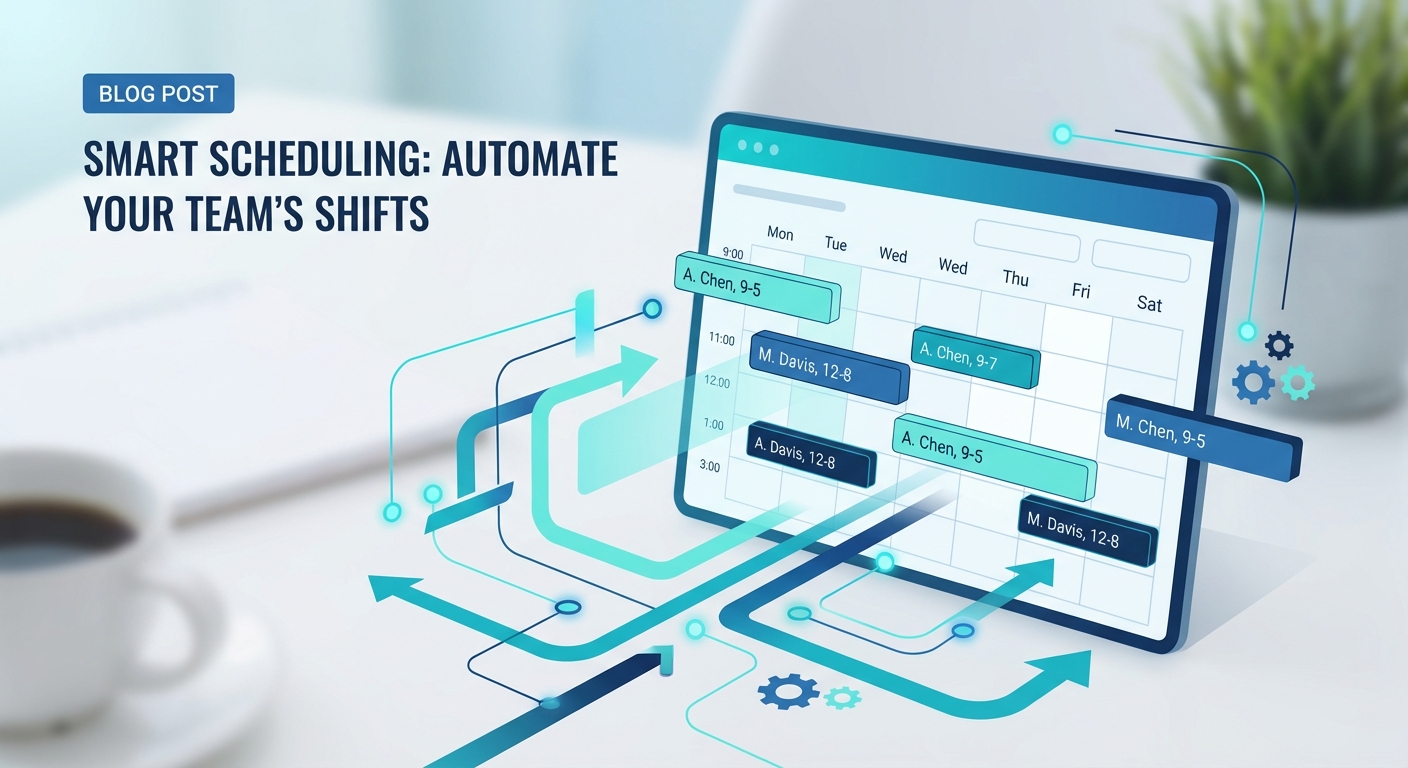
It's Sunday night. You're supposed to be relaxing, but instead you're hunched over a spreadsheet trying to build next week's schedule.
Maria can't work Tuesday. Jake needs to swap his Thursday shift. Someone's on vacation. Two people requested the same day off. And you still need coverage for the weekend rush.
By the time you finish, you've spent two hours on something that feels like solving a puzzle where the pieces keep changing shape. You email it out, and within twelve hours your phone starts buzzing with change requests.
Sound familiar? If you're managing a restaurant, construction crew, medical practice, or any business with shift workers, scheduling probably consumes way more of your time than it should.
Here's the thing: this doesn't have to be your life anymore.
The Real Cost of Manual Scheduling
Let's talk about what manual scheduling actually costs you.
There's the obvious time sink. Most small business owners spend three to five hours per week building and adjusting schedules. That's 150 to 250 hours per year. An entire month of working time, gone.
But the hidden costs are worse.
There's the mental overhead of keeping everyone's availability, preferences, and time-off requests in your head. There's the constant interruption of text messages asking to swap shifts. There's the stress of being the bottleneck for every scheduling decision.
And there's the actual business impact. When scheduling is a mess, people don't show up. Or too many people show up. You're either understaffed during the rush or overstaffed during the slow periods, both of which cost money.
Poor scheduling also kills morale. Employees who feel like their preferences don't matter start looking for jobs where they do. The cost of turnover in hourly positions is brutal, often thousands of dollars per employee when you factor in recruiting, training, and lost productivity.
All of this because you're building schedules the same way people did in 1995.
What Automated Scheduling Actually Looks Like
When I say automated scheduling, I don't mean a robot decides who works when and everyone deals with it. That would be a disaster.
Good scheduling automation handles the logistics so you can focus on the people.
Here's what it looks like in practice:
Employees enter their own availability. Instead of you tracking who can work when, they update it themselves in an app. Changes happen in real time. You always have current information.
The system builds a draft schedule. Based on availability, skill requirements, labor budget, and your rules, it creates a starting point. Not perfect, but 80% of the way there.
You make the final calls. You review the draft, make adjustments, handle the judgment calls that require a human brain. But you're tweaking, not building from scratch.
Employees get notified instantly. No more emailing PDFs or posting paper schedules. Everyone sees their shifts on their phone. Updates push automatically.
Shift swaps happen without you. Someone needs to swap? They post it. Eligible coworkers claim it. You approve with one tap, or set it to auto-approve if certain conditions are met. No more being the middleman for every change.
You see gaps in real time. Open shifts get flagged. You can broadcast them to available employees who opt in to pick up extra hours. No more frantic phone calls when someone calls out.
The schedule still reflects your judgment and priorities. You're just not doing data entry anymore.
Why Spreadsheets Don't Scale
Every business starts with spreadsheets. They're free, flexible, and good enough when you have three employees.
But spreadsheets become a trap as you grow.
They can't send notifications. They can't handle shift swaps. They can't prevent double-booking or overtime violations. They can't integrate with your payroll system. They rely entirely on you remembering to update them, share them, and check them.
More importantly, spreadsheets put you at the center of everything. Every request flows through you. Every change requires you. You become the bottleneck, and the bottleneck gets tighter as you grow.
The jump from spreadsheet to scheduling software isn't about fancy features. It's about removing yourself as the single point of failure.
The Tools That Actually Work
Scheduling software has gotten remarkably good and remarkably affordable in the last few years. Here are the ones worth looking at:
Deputy — Great all-rounder. Handles scheduling, time tracking, and communication. Strong mobile app. Popular with restaurants and retail.
When I Work — Similar to Deputy, slightly simpler interface. Free tier available for very small teams. Good for businesses just getting started with automation.
Homebase — Strong integration with hiring and onboarding. Good for high-turnover businesses. Free tier covers basics.
7shifts — Built specifically for restaurants. Understands tip pools, labor percentage targets, and food service quirks.
Connecteam — Better for field teams like construction crews. Strong on communication and job site tracking alongside scheduling.
Most of these run $2 to $5 per employee per month. For a team of ten, you're looking at $20 to $50 monthly. That pays for itself with the first schedule you don't have to rebuild from scratch.
How to Make the Switch
Transitioning from manual to automated scheduling feels daunting, but it's simpler than you think. Here's how to do it without chaos.
Week One: Choose Your Tool and Set It Up
Pick a tool. Don't overthink it. Most of them offer free trials. Deputy or When I Work are safe starting points for most businesses.
Set up your basic structure: locations, roles, shift types. Import your employee list. This takes an hour or two.
Week Two: Get Your Team Onboard
Have everyone download the app and enter their availability. Make this mandatory. Set a deadline.
Explain what's in it for them: they can see their schedule instantly, swap shifts without calling you, request time off without playing phone tag. Most employees actually prefer this once they try it.
Week Three: Build Your First Automated Schedule
Use the system to build next week's schedule. Let it create the draft, then review and adjust.
Yes, this first one takes longer than usual. You're learning the tool. But you're also setting up templates and rules that will make every future schedule faster.
Week Four: Run Both Systems in Parallel
Publish the schedule through the new system, but keep your old spreadsheet as backup. See what breaks. Usually nothing does, but the parallel run gives everyone confidence.
By week five, you're off the spreadsheet. And you'll wonder why you didn't do this years ago.
What Changes When Scheduling Runs Itself
The first thing you'll notice is your Sunday nights back. That time you spent building schedules? It's yours again.
The second thing you'll notice is the silence. Your phone stops buzzing with swap requests. Employees handle it themselves. You approve things with one tap while waiting in line for coffee.
The third thing you'll notice is better coverage. When the system tracks availability accurately and broadcasts open shifts automatically, gaps get filled faster. You stop being understaffed because you forgot someone was on vacation.
And the thing that takes longer to notice: your employees are happier. They feel like their time is respected. They have control over their schedule. They can pick up extra shifts when they need money. That translates to lower turnover, which translates to real money saved.
Start This Week
Don't wait for the perfect moment to fix your scheduling. The perfect moment was a year ago. The second best moment is now.
Sign up for a free trial of any scheduling tool. Spend two hours this weekend setting it up. Get your team on it by next Friday.
A month from now, you'll be spending fifteen minutes on what used to take two hours. You'll have your evenings back. Your team will be happier. And you'll have one less thing stealing your attention from actually running your business.
Scheduling shouldn't be this hard. It's 2026. Automate it and move on.
Want to know what else in your business could run on autopilot? Take our free AI readiness assessment to identify your biggest automation opportunities. Five minutes now could save you hundreds of hours this year.
Free: AI Readiness Checklist
Find out if your business is ready for AI automation. 10 questions, 2 minutes.