How to Automate Lead Capture for Your Small Business
Stop losing leads to slow follow-up. Learn how small businesses can automate lead capture and response without expensive software or technical skills.
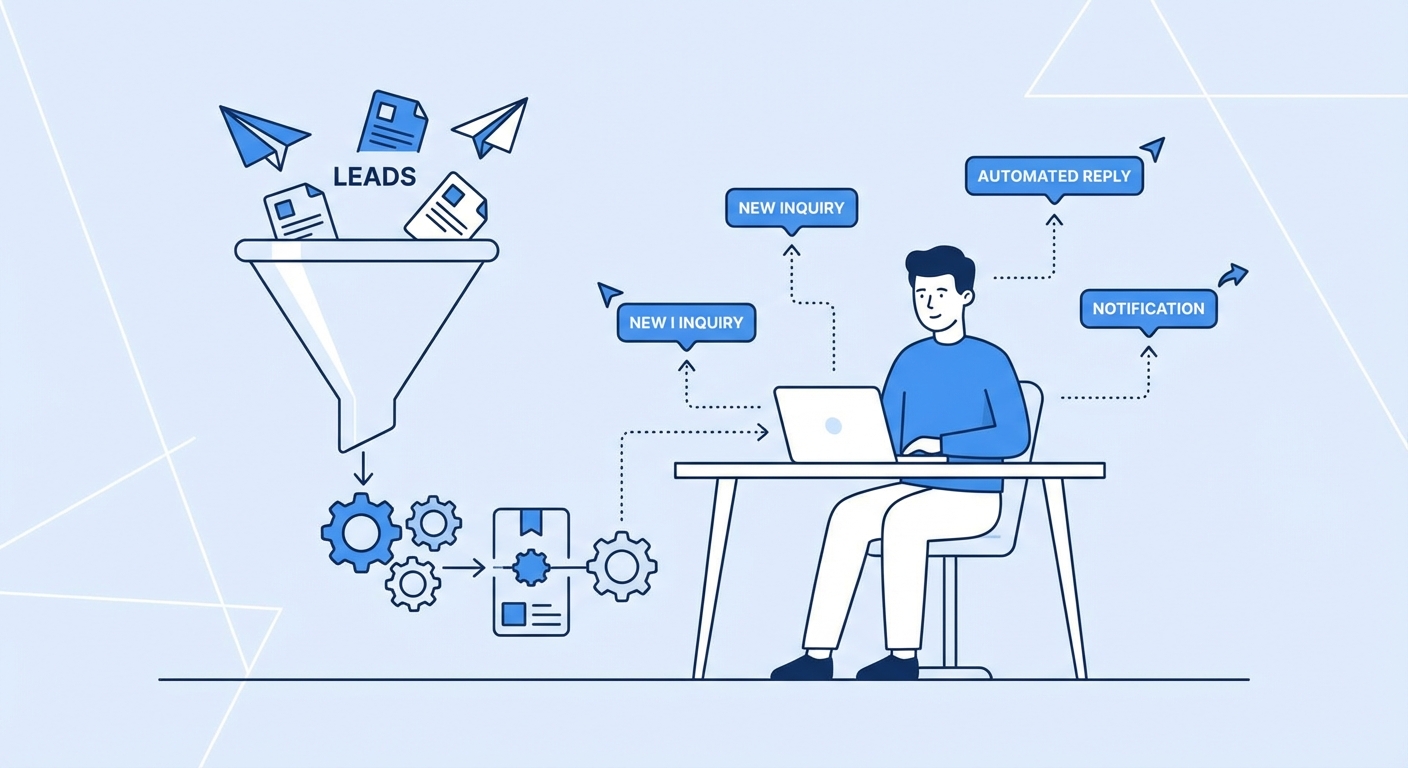
Every small business owner knows the feeling. You're in the middle of a job, your phone buzzes with a new inquiry, and by the time you get back to them three hours later, they've already hired someone else.
It happens constantly. And it's costing you real money.
The problem isn't that you don't care about new leads. The problem is you're actually doing the work that makes your business run. You can't drop everything every time someone fills out your contact form or sends a Facebook message.
But here's what most small business owners don't realize: automating your lead capture and initial response doesn't require expensive software, a dedicated sales team, or any technical skills. You can set up a system in an afternoon that makes sure no lead ever falls through the cracks again.
Why Speed Matters More Than You Think
There's been a lot of research on lead response times, and the numbers are pretty stark. Leads that get a response within five minutes are dramatically more likely to convert than those that wait an hour or more. Not because people are impatient (though they are), but because they're usually reaching out to multiple businesses at once.
Whoever responds first often wins.
This is especially true for service businesses. When someone needs a plumber, a contractor, or a consultant, they're not casually browsing. They have a problem right now. The first business that makes them feel heard and taken care of has a massive advantage.
The Basic Automation Stack
You don't need complex technology to fix this. Here's what a simple automated lead capture system looks like:
Step 1: Centralize your lead sources
Most small businesses get leads from multiple places: website contact forms, Google Business messages, Facebook, Instagram DMs, sometimes even text messages. The first step is getting all of these into one place.
Tools like Zapier or Make can connect most of these sources to a single spreadsheet, CRM, or even just an email inbox. The goal is that no matter where a lead comes in, it ends up somewhere you'll actually see it.
Step 2: Set up instant acknowledgment
The moment someone reaches out, they should get an immediate response. Not a response from you personally, but an automated message that lets them know you received their inquiry and will be in touch soon.
This sounds simple, but it does two important things. First, it stops them from immediately moving on to your competitor. Second, it sets expectations so they're not sitting there wondering if their message went through.
A good auto-response might say something like: "Thanks for reaching out. We received your message and someone from our team will get back to you within the next two hours during business hours. If this is urgent, you can reach us directly at [phone number]."
Step 3: Qualify and route
Not all leads are created equal. Some are ready to buy today. Some are just gathering information. Some aren't even a good fit for your business.
A simple form that asks a few qualifying questions can help you prioritize. What service are they looking for? What's their timeline? What's their budget range? This information helps you know which leads need immediate attention and which can wait.
Step 4: Follow up automatically
If you don't respond within a certain window, your system should escalate. Maybe it sends you a text reminder. Maybe it sends the lead another message letting them know you're still working on getting them an answer. Maybe it alerts a backup person on your team.
The key is building a system where leads can't just sit there forgotten.
What This Looks Like in Practice
Let's say you run a small landscaping company. Here's how an automated lead flow might work:
- Someone fills out your website contact form asking for a quote on lawn maintenance
- Immediately, they get an email thanking them and letting them know you'll be in touch within two hours
- At the same time, you get a text message with their info
- Their details automatically get added to your CRM or spreadsheet
- If you haven't marked the lead as "contacted" within two hours, you get a reminder
- If you still haven't responded by end of day, the lead automatically gets a follow-up email asking if they'd like to schedule a call
None of this requires you to be glued to your phone. But it ensures that every single lead gets attention.
The Human Element Still Matters
Automation handles the initial capture and keeps things from falling through cracks. But it doesn't replace actual human follow-up.
The goal is to buy yourself time, not to turn your business into a robot. Your automated responses should be warm and personal-sounding. Your eventual human follow-up is where you actually win the business.
Think of automation as your safety net. It catches leads when you're busy, keeps them warm, and makes sure you don't forget about them. But closing the deal still requires you.
Getting Started
If you're not automating lead capture yet, start simple. Pick your highest-volume lead source and set up auto-responses there first. Even just having your website contact form send you a text notification and the lead an auto-reply is a huge improvement over nothing.
Once you've got that working, you can expand. Add more lead sources. Build out more sophisticated follow-up sequences. Maybe eventually integrate with a proper CRM.
But don't let perfect be the enemy of good. A basic system running today beats a perfect system you never build.
The Bottom Line
You're losing leads right now because you can't respond fast enough. That's not a character flaw, it's a systems problem. And systems problems have systems solutions.
Spend an afternoon setting up basic lead capture automation. The leads you save will more than pay for the time invested.
If you want help figuring out what makes sense for your specific business, I offer free consultations where we can map out exactly what your lead capture flow should look like. Just reach out and let's talk.
Free: AI Readiness Checklist
Find out if your business is ready for AI automation. 10 questions, 2 minutes.