ChatGPT's New Slider Lets You Choose How Hard It Thinks
OpenAI added a slider to ChatGPT that sets how hard it thinks. Free users got more too. The small control matters more than the free tier news.
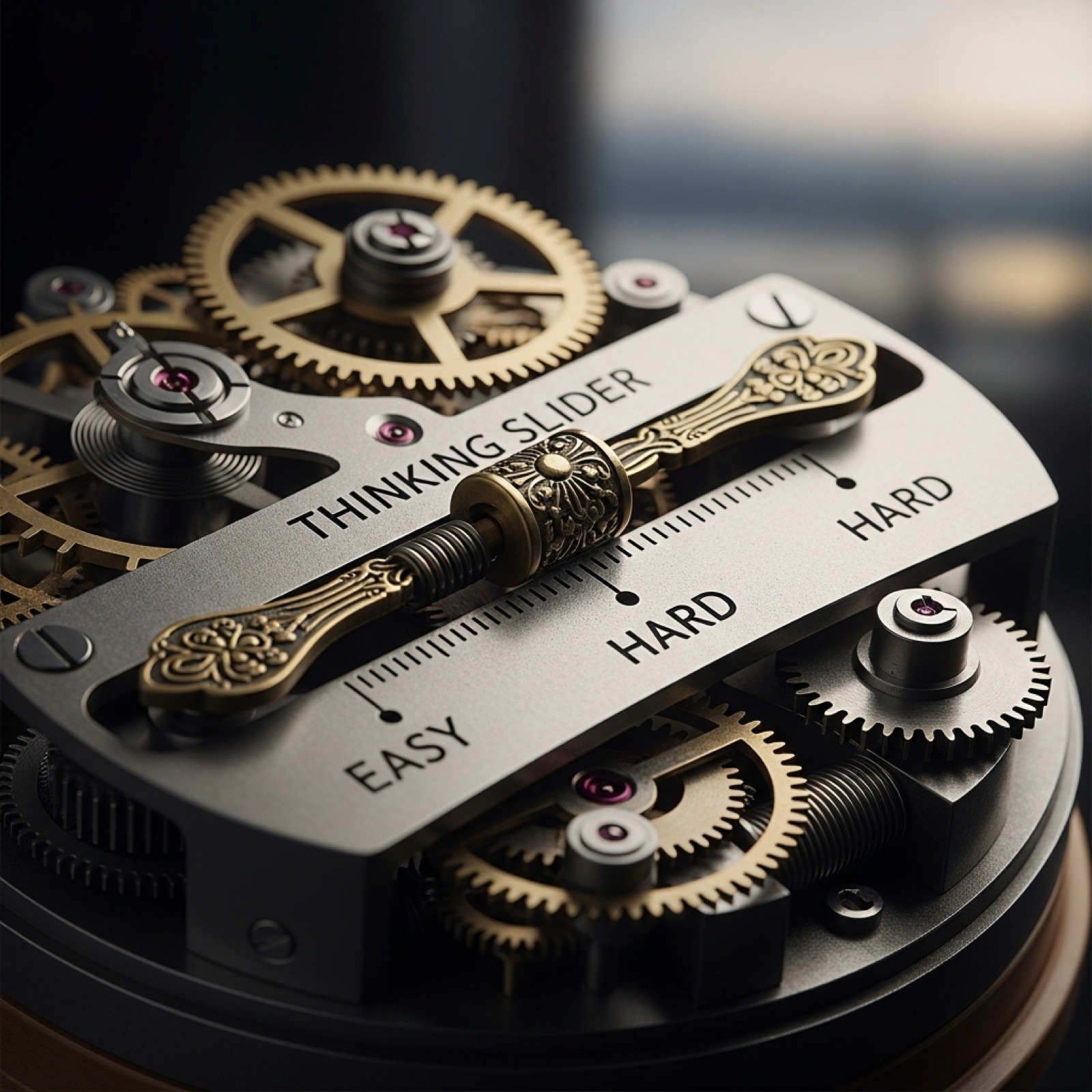
OpenAI shipped a slider yesterday.
That is the least exciting sentence in this post. It is also the most important change in the announcement.
Here is what happened. Plus and Pro users now get a control in ChatGPT that sets how much thought the model puts into an answer. Keep it low for quick questions. Move it up for planning, research, writing, or a decision that matters. Free users get a different version of the same idea. GPT-5.6 Luna is now the default model, text chats are unlimited, and a new Think button gives the model more time on harder questions.
Most of the coverage will focus on the free tier, and fairly so. Unlimited text chat on a current model, at no cost, kills the most common excuse I hear for why someone on a team hasn't started. If a person at your company has been quietly waiting for a budget line, that reason expired this week. Send them a note.
But the slider is the part worth sitting with.
Until now, the model decided how hard to work on your question. It read what you typed, made a guess about difficulty, and answered accordingly. Most of the time that guess was fine. When it was wrong, you got a fast, confident answer to a question that deserved real thought, and nothing in the interface told you which one you had just received.
That is the failure mode people are describing when they say AI is unreliable. Not that it lies. That it sounds identical whether it worked hard or not.
Now the guess is yours to make.
Think about what that asks of you. To set the dial correctly, you have to know something about your own question before you ask it. Is this a lookup or a judgment call? Would a competent employee answer this off the top of their head, or go away and come back with something? That distinction was always there. The software just never made you name it.
Most people will never touch the slider. Defaults win. Nobody changes the default ringtone either.
Which means the benefit lands almost entirely on people who already think carefully about what they're asking. That pattern shows up all over AI tooling. The controls reward the users who needed them least.
So here is something concrete for this week. On your next ten ChatGPT prompts, spend two seconds classifying each one before you hit enter. Quick or considered. Then set the dial to match. After ten you will have a rough read on your own ratio, and I suspect it will surprise you. Most of us send far more considered questions than we think, and we send them all at quick speed.
There is a second number in the announcement worth pulling out, carefully.
OpenAI tested the updated models on financial, medical, and legal prompts that required specific factual detail. Responses containing at least one factual error were 68 percent less common with the new GPT-5.6 Sol than with the previous GPT-5.5 Instant, and 62 percent less common with Luna, the free model. That is OpenAI's own internal evaluation rather than an outside audit, and it deserves to be read with that in mind.
Take the number at face value anyway and notice what it says. Sixty-eight percent fewer errors is a real improvement. It is not zero. And the three categories they chose to measure are the three where a confident wrong answer costs you the most.
This is the pattern that keeps repeating with every model release. Improving accuracy makes the remaining errors harder to catch, because there are fewer of them and they arrive wrapped in exactly the same tone as everything else. Better models do not reduce your need to check. They change what checking has to look like.
Which brings me back to the slider.
For two years the complaint about these tools was that they answer too fast and too surely. OpenAI just handed you the dial. It is a small thing, a piece of interface most users will scroll straight past.
The interesting part is not whether the slider works. It is finding out how often you reach for it, and what that tells you about the questions you have been asking all along.
Free: AI Readiness Checklist
Find out if your business is ready for AI automation. 10 questions, 2 minutes.