CRM Automation for Small Business: Work Smarter
Most small businesses don't need a massive CRM — they need the right automation layer on top of a simple one. Here's how to set it up without losing your mind.
Most small business owners I talk to have one of two CRM situations: they have a complicated system they barely use, or they're running everything out of a spreadsheet and a prayer.
Neither works great. But the fix isn't buying more software. It's getting the automation right.
What CRM Automation Actually Means
A CRM (customer relationship management system) is just a place to track your relationships with leads and clients. It stores contact info, interaction history, deal status — basically, who you know and where things stand with them.
CRM automation means the system does work for you, instead of requiring you to manually update it every time something happens.
The difference sounds minor. It's not. Manual CRM maintenance is a full-time job that most small business owners simply don't have time for, so it doesn't get done. An automated CRM updates itself, nudges you at the right moments, and keeps you from dropping balls.
The Problems Automation Actually Fixes
Before we get into setup, it's worth being specific about what actually goes wrong without automation.
Leads fall through the cracks. Someone reaches out, you get busy, a week goes by, and now it's awkward to follow up. They've probably hired someone else. This happens constantly in service businesses.
You lose track of where things stand. Is this the client who wanted to start in March, or the one who said to check back in Q2? Without a system that tracks this, you're relying on memory. Memory fails.
Follow-ups are inconsistent. Some people get a lot of attention because they happened to email at a good moment. Others get forgotten because you were slammed that week. Your pipeline becomes random.
Context gets lost. When you do reconnect with someone after a few months, you've forgotten the details. What were their pain points? What did you propose? What was holding them back? A good CRM with automation captures all of this automatically.
What a Simple Automated CRM Looks Like
You don't need Salesforce. For most small businesses, something like HubSpot's free tier, Pipedrive, or even Airtable with some Zapier glue is plenty.
Here's what you want the system to do on its own:
Capture new contacts automatically. When someone fills out your website form, emails you, or messages on LinkedIn, they should land in your CRM without you manually adding them. This is table stakes. If you're still copying contact info by hand, you're wasting hours a week.
Log email conversations. Your CRM should connect to your email so every exchange with a contact gets automatically logged. You should be able to pull up anyone and see every email you've ever exchanged. No searching through your inbox.
Move deals through stages based on activity. If you've sent a proposal and haven't heard back in five days, the system should flag it. If a lead hasn't been touched in two weeks, it should show up in a "needs attention" view. These nudges are what keep your pipeline from going stale.
Send scheduled follow-up reminders. You close a deal. Client says they want to start in two months. You add a reminder in your CRM and forget about it. Two months later, you get a nudge and you show up ready to go. That's what should happen instead of you either forgetting entirely or putting a sticky note on your monitor.
Track deal value and forecast. Even if you hate spreadsheets, your CRM can tell you roughly what your pipeline is worth and what's likely to close this month. That's useful information for planning.
Where Most Small Businesses Start
If you're starting from scratch or trying to actually use a system you've been ignoring, start with just two automations:
First: New lead capture. Connect your website contact form to your CRM so every inquiry automatically creates a new contact and deal. This alone eliminates the #1 failure point for most service businesses.
Second: Follow-up reminders. Whenever you have a conversation or send a proposal, set a task in your CRM for when you should follow up. Most CRMs let you do this with a few clicks. Make it a habit, and let the system remind you.
Those two things will change how your pipeline works more than any other automation you can add.
The Integration Layer
Once you've got the basics running, you can start connecting your CRM to other tools.
If you use QuickBooks or another accounting tool, you can often sync client data so you're not re-entering information. If you use a scheduling tool like Calendly, you can have new bookings automatically create or update CRM records. If you send proposals through a tool like PandaDoc or Better Proposals, you can trigger CRM updates when proposals are opened, signed, or declined.
The goal isn't to connect everything for the sake of it. It's to eliminate every place where information has to be manually transferred from one system to another. Each of those transfer points is somewhere a ball can be dropped.
What Good Looks Like
Here's a practical example. You run a small accounting firm. A prospect fills out your website form asking about bookkeeping services.
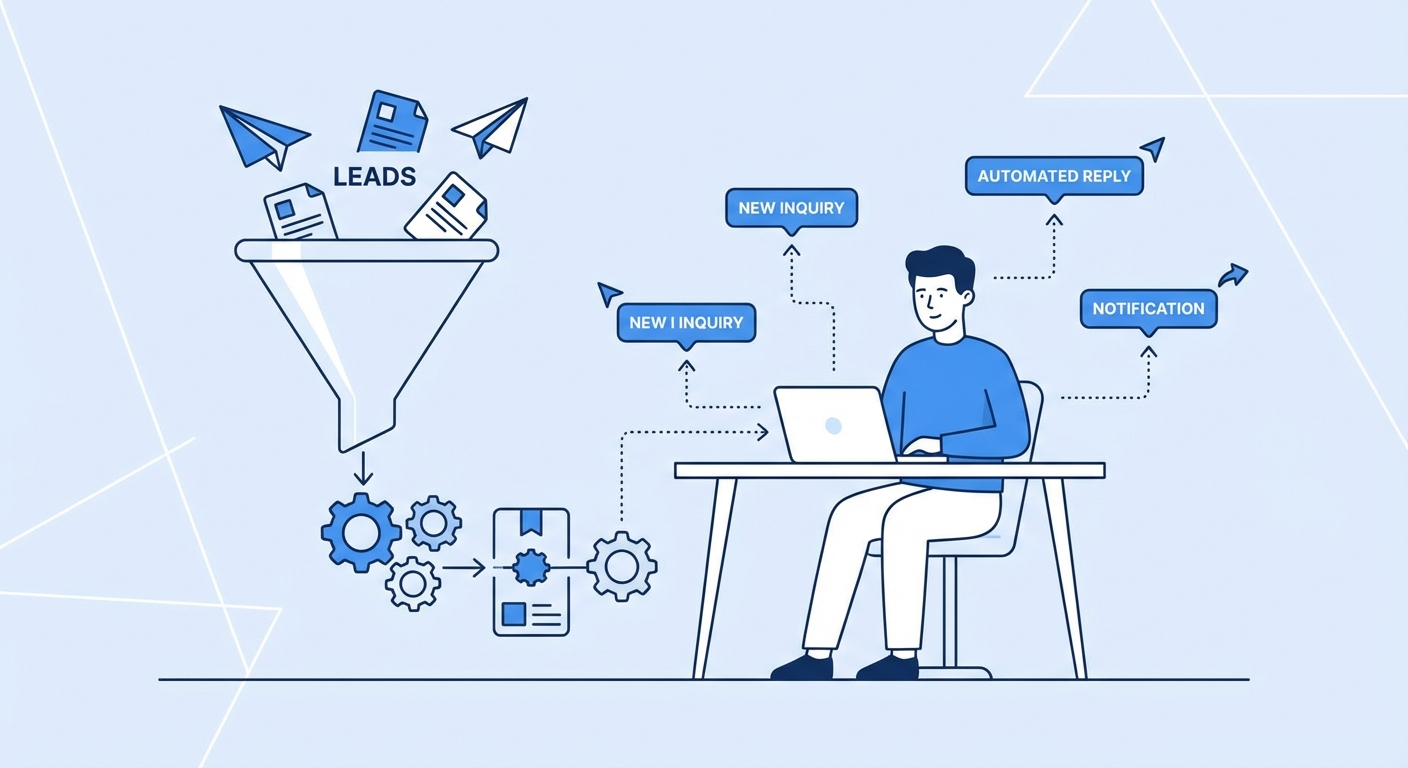
Immediately, they get an auto-reply letting them know you'll be in touch within 24 hours. At the same moment, they're added to your CRM as a new lead with their details and source. You get a notification.
You call them, have a good conversation, and send a proposal. The call gets logged (either automatically if you're using a business phone system, or with a quick note you add). The proposal gets sent and your CRM auto-creates a task: "Follow up in 5 days if no response."
Three days later they sign. Your CRM moves them from "proposal sent" to "client" automatically. A new onboarding task list gets created. In 90 days, you get a nudge to check in and ask for a referral.
None of that required you to manually update anything except a quick note after the call. Everything else ran on its own.
The Honest Trade-Off
Setting this up takes time. It's probably a weekend project to get everything connected and working the way you want. And you'll spend the first few weeks tweaking things as you see how it actually behaves in practice.
But the payoff is that you get your pipeline back. You stop losing leads. You stop having awkward "sorry I forgot about you" moments. You start showing up to conversations with full context instead of scrambling to remember what you talked about six weeks ago.
For most service businesses, the math on this is obvious. You close one extra deal a month because you didn't drop the ball, and the system has paid for itself many times over.
Where to Start
If you're evaluating CRM options, I'd suggest starting with HubSpot's free tier (generous and integrates with almost everything) or Pipedrive if you want something built specifically around managing deals.
If you already have a CRM you're not really using, the issue is probably the automation layer, not the tool itself. Before switching, spend a few hours looking at what integrations your current CRM supports and see if you can get the basics running.
And if you want a second set of eyes on your current setup, I do free consultations where we can look at your specific workflow and figure out exactly what needs to be automated. Reach out — most of these problems are more solvable than they look.
Free: AI Readiness Checklist
Find out if your business is ready for AI automation. 10 questions, 2 minutes.