Small Business Email Automation: A Practical Guide
Drowning in emails? This practical guide to small business email automation shows you exactly where to start and what to automate first.
Your inbox is a time thief. And if you're like most small business owners I talk to, you're spending hours every week on emails that could handle themselves.
I'm not talking about the important stuff — the client questions that need your expertise, the negotiations that require nuance. I'm talking about the other emails. The confirmations, the follow-ups, the reminders, the requests for information you've already provided a hundred times.
That's where email automation comes in. And no, you don't need expensive software or a technical background to make it work.
What Email Automation Actually Means
Let's clear something up first. Email automation isn't about setting up a complicated marketing funnel that bombards people with sales messages. That's one use case, sure, but it's not what most small businesses need.
For small businesses, email automation is simpler: it's about making sure the right email goes out at the right time, without you having to think about it.
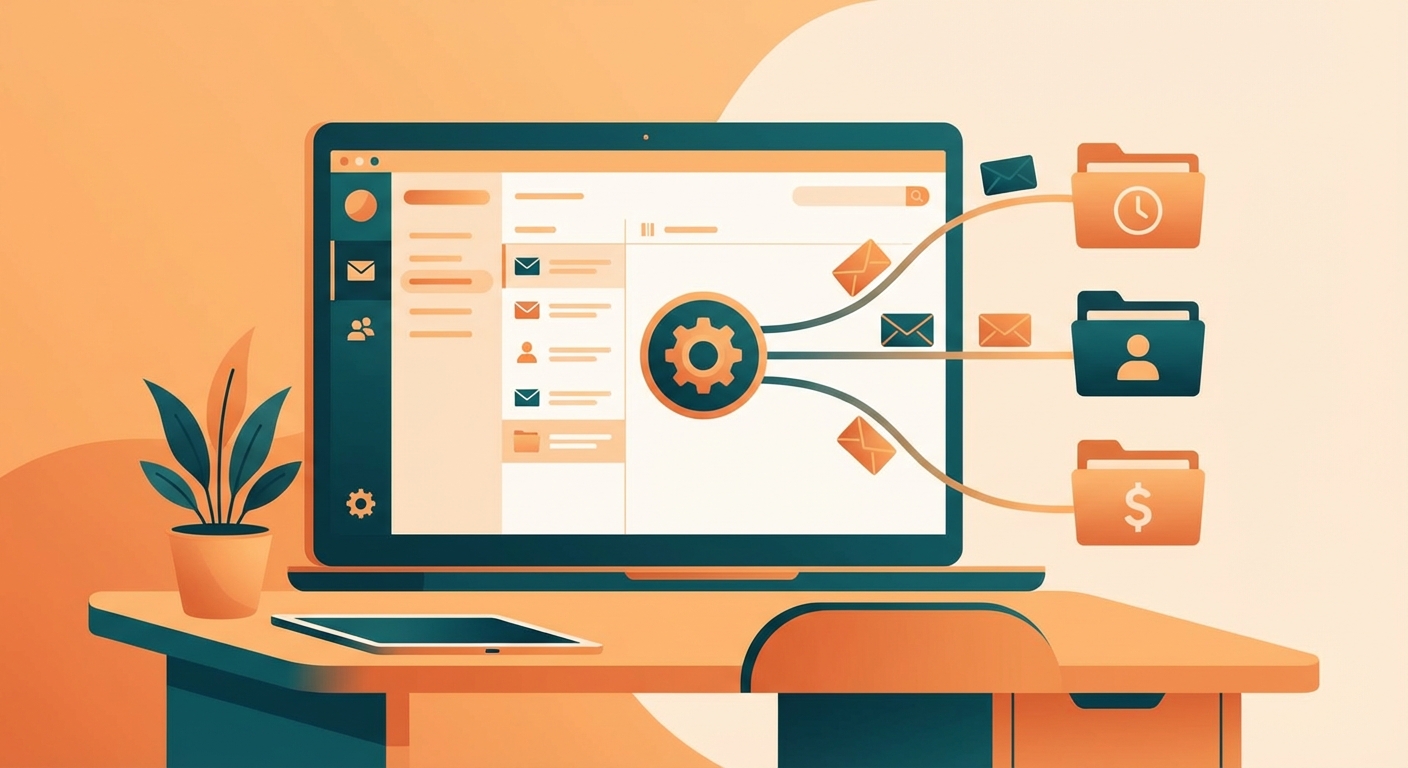
A client books an appointment? They get a confirmation automatically. A lead fills out your contact form? They get a response within minutes, not hours. An invoice goes unpaid for 30 days? A polite reminder goes out without you lifting a finger.
This isn't replacing human connection. It's handling the predictable stuff so you have more time for the unpredictable stuff that actually needs you.
The Three Types of Emails You Should Automate First
Not all email automation is created equal. Some automations will save you five minutes a week. Others will save you five hours. Here's where to focus.
1. Response Emails
These are the emails that go out in response to an action someone takes. Lead fills out a form, client books an appointment, customer makes a purchase, prospect downloads something from your website.
Right now, you're probably handling these manually. Someone reaches out, you see the notification whenever you check your phone, and you respond when you get a chance. Maybe that's 20 minutes later. Maybe it's tomorrow.
The problem? Speed matters more than you think. People reaching out to a business expect a fast response. The longer they wait, the more likely they are to contact your competitor instead.
Automatic response emails solve this completely. Someone takes an action, they immediately get a relevant response. Not a generic "we'll get back to you" template — an actual helpful response that sets expectations and provides value.
For example, when someone fills out a contact form for my consulting business, they immediately receive an email that thanks them for reaching out, tells them what to expect next, and includes a link to book a call if they want to skip the back-and-forth. I didn't write that email. I set it up once.
2. Follow-Up Sequences
This is where small businesses leave the most money on the table. A lead reaches out, you have one conversation, and then... nothing. Life gets busy, you forget, and that potential customer moves on.
Follow-up sequences fix this by automatically sending a series of emails over time. Not aggressive sales pitches — just helpful check-ins that keep you top of mind.
The sequence might look like this: Day one, they get your initial response. Day three, they get a follow-up asking if they have any questions. Day seven, they get something valuable — a tip, a resource, a relevant article. Day fourteen, a final check-in before you assume they're not interested.
I've seen businesses double their conversion rates just by implementing a basic follow-up sequence. Not because the emails were brilliant, but because they actually got sent.
3. Reminder Emails
No-shows and missed deadlines cost small businesses real money. Every appointment someone forgets about is time you blocked off that could have gone to a paying customer.
Reminder emails are stupidly simple to automate and wildly effective. Appointment tomorrow? Send a reminder. Invoice due in three days? Send a reminder. Document still needs their signature? Send a reminder.
The key is timing and tone. Reminders should feel helpful, not nagging. "Just a friendly reminder that we're meeting tomorrow at 2pm" hits different than "DON'T FORGET YOUR APPOINTMENT."
How to Set This Up Without a Technical Background
You don't need to know code. You don't need to hire a developer. Most of this can be set up in an afternoon with tools you might already have.
If you're using a CRM like HubSpot, Pipedrive, or even a simpler tool like Mailchimp, email automation is built in. You just need to set up the triggers and write the emails.
If you want more flexibility, tools like Zapier or Make can connect your email with almost any other software you use. Form submission triggers an email. Calendar booking triggers an email. Payment received triggers an email.
The setup isn't the hard part. The hard part is deciding what to automate and what to write.
What NOT to Automate
Here's where some businesses go wrong: they automate everything and end up feeling robotic to their customers.
Don't automate emails that should be personal. A long-time client sends a question? That deserves a real response from you, not a template. Someone has a complaint? Human touch, always.
Don't automate emails that require context. If the right response depends on details you'd need to look up, that's probably not automation territory.
And don't automate at the expense of authenticity. Automated emails should still sound like you. If they read like they were written by a committee, people can tell.
Getting Started This Week
If you're new to email automation, start with one automation. Just one. Pick the email you send most frequently that follows a predictable pattern, and automate that.
For most businesses, that's either a form response or an appointment confirmation. Set that up, let it run for a week, and notice how much time you're saving.
Then add another. And another. Before long, your inbox will be manageable again, and you'll wonder why you waited so long to start.
Not sure which emails to automate first? Take our free AI readiness assessment and get personalized recommendations based on your specific business. It takes five minutes and might save you hours every week.
Your inbox shouldn't run your day. It's time to take that control back.
Free: AI Readiness Checklist
Find out if your business is ready for AI automation. 10 questions, 2 minutes.