Small Business Quote Automation: Close Deals Faster
Tired of spending hours creating quotes that go nowhere? Learn how small business quote automation can help you respond faster, win more deals, and stop losing prospects to slow follow-up.
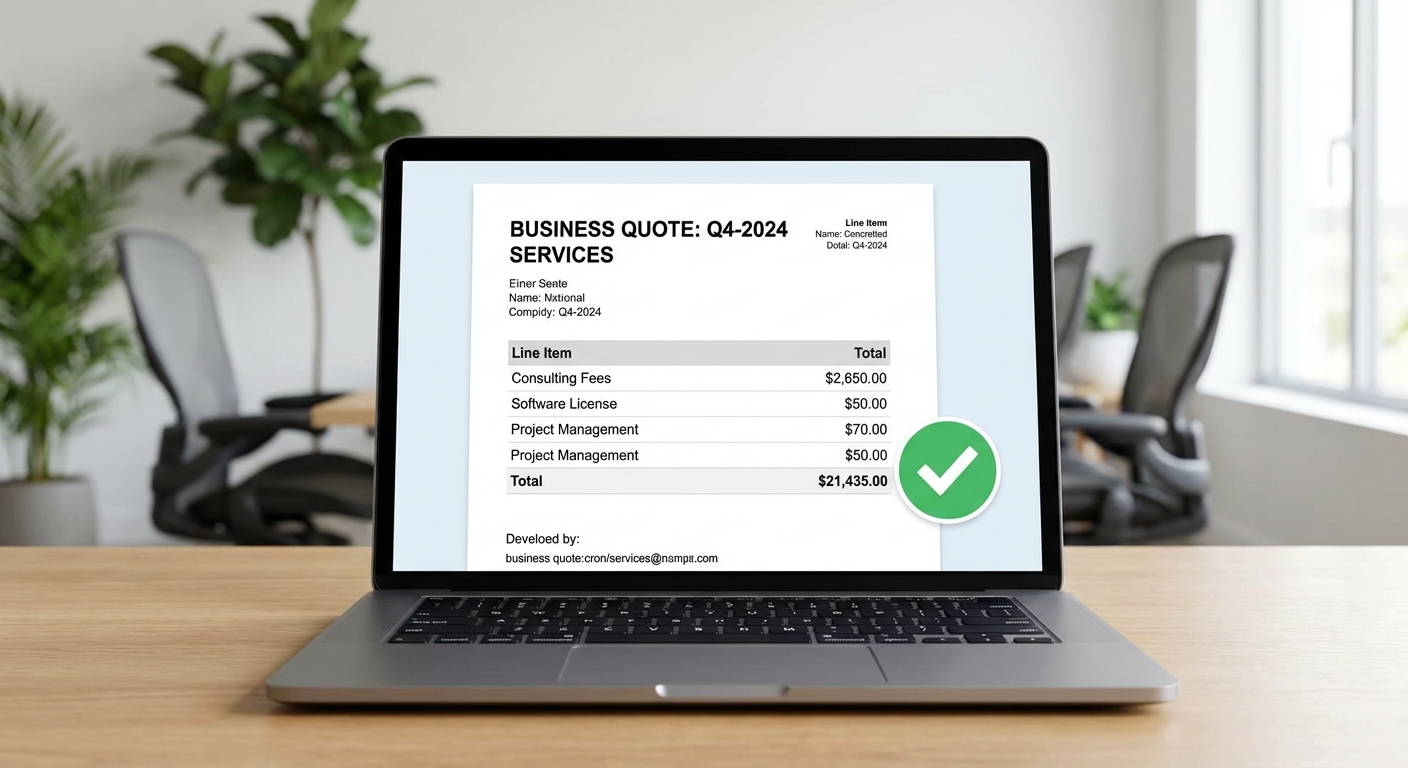
You know that sinking feeling. A hot lead comes in on Monday. They want a quote. You're slammed with client work, so you tell yourself you'll get to it tonight.
Tuesday comes. Wednesday. By Thursday you finally sit down to put together the quote, but now you can't remember half of what they asked for. You send it over, feeling guilty about the delay.
Friday, you follow up. Nothing. They went with someone else. Someone who got back to them same-day.
This happens more than you'd like to admit. And it's costing you real money.
Speed Wins Deals
Here's something that shouldn't be surprising but somehow always is: the first business to respond to a quote request wins the job more often than not.
It's not because speed means quality. It's because speed signals something important to the prospect. It says you're organized. You're responsive. You're not too busy to care about their business.
When you take three days to send a quote, you're telling the prospect they're not a priority. Even if you're just buried in work, that's the message they receive.
The businesses winning in competitive markets aren't necessarily better at the work. They're better at responding. And most of them have automated their quote process.
What's Actually Slowing You Down
Before we fix the problem, let's be honest about what causes it.
Creating quotes takes time because you're starting from scratch every time. You open a blank document. You write up the scope. You calculate pricing. You format everything so it looks professional. You write a cover email. You attach the PDF. You send.
That's thirty minutes minimum, often more. And that's if you have uninterrupted time, which you don't.
Then there's the mental overhead. Every quote sitting in your "to do" list takes up space in your brain. It creates anxiety. It pulls your attention away from the work you should be focused on.
Manual quoting doesn't just cost time. It costs mental energy and lost opportunities.
What Automated Quoting Looks Like
Quote automation isn't about removing the human element. It's about eliminating the repetitive parts so you can focus on what actually matters: understanding the prospect's needs and providing the right solution.
At its core, automated quoting means:
Template-based quotes — You're not writing from scratch. You're selecting from pre-built templates and customizing the details. A quote that took thirty minutes now takes five.
Instant delivery — The quote goes out immediately after you approve it. No scheduling delays, no forgetting to hit send.
Automatic follow-up — If they haven't responded in two days, the system sends a friendly check-in. You're not manually tracking who needs a nudge.
Digital signatures — They can accept the quote with a click. No printing, signing, scanning, emailing back. Less friction means faster closes.
Automatic conversion — When they accept, the quote becomes a project in your system. Maybe it even triggers an invoice for the deposit. No re-entering information.
The goal is to make the quote-to-close process as frictionless as possible, for both you and the prospect.
The Real Numbers
Let's say you send ten quotes per week. Each one takes thirty minutes to create and send. That's five hours per week just on quotes.
With templates and automation, that same quote takes five to ten minutes. Now you're spending less than two hours per week.
That's three hours back in your pocket every week. Over a year, that's 150 hours. What would you do with an extra month of working time?
But the time savings aren't even the biggest win. The bigger win is response speed.
When you can send a professional quote in five minutes instead of waiting until you have a free hour, you're responding same-day instead of same-week. And same-day responses close at dramatically higher rates.
If faster quoting helps you win just one extra job per month, the ROI on any quoting tool pays for itself many times over.
How to Set This Up
You don't need custom software or a development team. There are affordable tools built exactly for this.
Step 1: Choose Your Tool
For quote automation specifically, look at tools like PandaDoc, Proposify, HoneyBook, or Dubsado. If you're already using an all-in-one tool like HubSpot or Zoho, they likely have quoting features built in.
What to look for: - Template library or easy template creation - E-signature capability - Automatic reminders for unsigned quotes - Integration with your invoicing or project management tools - Professional-looking output (this reflects on your brand)
Most of these tools run twenty to fifty dollars per month. That's nothing compared to even one lost deal.
Step 2: Build Your Templates
This is where you invest time upfront to save time forever.
Look at the last twenty quotes you sent. What services do you offer most often? What language do you use repeatedly? What questions do clients always ask?
Create a template for each of your main service offerings. Include: - Scope of work (with blanks for project-specific details) - Your standard terms and conditions - Pricing structure (with variables for quantities or hours) - A professional cover letter that positions the value - FAQ section addressing common objections
The first time you build these templates, it might take a few hours. But you're doing that work once instead of every time.
Step 3: Create Your Intake Process
The fastest quoting happens when you capture the right information upfront.
Build a simple intake form for quote requests. This can be a form on your website, a dedicated email template, or a questionnaire in your CRM.
Ask the questions you always need answered: - What's the project scope? - What's the timeline? - What's the budget range? - Who's the decision maker? - What problem are you trying to solve?
When prospects fill this out before you create the quote, you're not playing email tag to gather details. You have everything you need to quote accurately, fast.
Step 4: Set Up Your Follow-Up Sequence
Most quotes need a nudge. People get busy. Your quote gets buried in their inbox. They meant to respond but forgot.
Automate this:
Day two: "Just checking in — did you have any questions about the quote I sent?"
Day five: "Wanted to make sure this didn't slip through the cracks. Let me know if you'd like to discuss."
Day ten: "I'm assuming the timing isn't right. No worries if so — just let me know and I'll follow up in a few months."
These follow-ups should feel personal, not robotic. Write them in your voice. But let the system handle the timing.
Step 5: Connect the Pieces
The real power comes from integration.
When a quote gets accepted, what should happen next? - Create a project in your project management tool - Send a welcome email to the client - Generate an invoice for the deposit - Add a kickoff call to your calendar
Tools like Zapier can connect your quoting software to everything else in your stack. Set this up once and the handoff from "sold" to "working" becomes automatic.
What Changes When You Automate
The first thing you'll notice is how much lighter your mental load feels. No more list of quotes to write hanging over you. No more guilt about delayed responses.
The second thing you'll notice is your close rate improving. Same-day quotes feel more professional. They signal that you're on top of things. Prospects trust that energy.
The third thing you'll notice is more consistency. Every quote looks professional. Every follow-up happens on schedule. You're not dropping balls because you're having a busy week.
And eventually, you'll notice something else: you can handle more opportunities without working more hours. The bottleneck that was quoting simply disappears.
Start With One Template
You don't need to automate everything today. Start with your most common service.
Build one template. Set up one follow-up sequence. Send your next quote using the new system.
See how it feels. Time yourself. Notice what's easier and what still needs work.
Then build the next template. And the next.
Within a month, you'll have a quoting system that runs in minutes instead of hours. You'll respond faster. You'll close more. And you'll stop losing deals to businesses that simply got back to the prospect before you did.
Not sure where to start with automation in your business? Take our free AI readiness assessment to identify your biggest opportunities. Five minutes now could save you hours every week and help you win deals you're currently losing.
Speed wins. Automate your quotes and start winning more.
Free: AI Readiness Checklist
Find out if your business is ready for AI automation. 10 questions, 2 minutes.